Rengoku Twixtor 4K Free | Clips For Edit
Rengoku Twixtor 4K Free | Clips For Edit
Rengoku Twixtor: Fiery Demon Slayer Clips for Powerful Edits
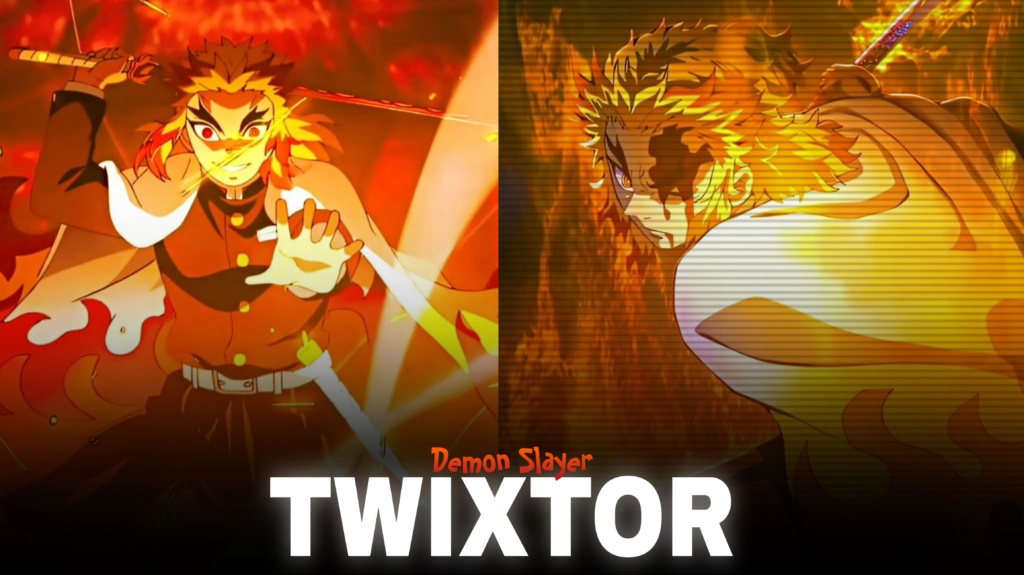
Rengoku Twixtor is a popular search for Demon Slayer fans who want to create fiery anime edits, smooth slow-motion moments, and cinematic videos featuring Kyojuro Rengoku. As the Flame Hashira, Rengoku stands out through his confident personality, flame-inspired sword techniques, and memorable battle aboard the Mugen Train. His striking movements and vivid effects give editors plenty to work with when building high-energy clips.
Whether you’re making a TikTok, Instagram Reel, or YouTube Short, choose scenes that match the pace of your soundtrack. A well-timed cut and a clear moment of action can often make a stronger edit than stacking too many effects onto every shot.
Why Rengoku Works So Well in Anime Edits
The appeal of Rengoku Twixtor comes from the contrast between his encouraging personality and the intensity of his fighting style. His Flame Breathing attacks offer bold movement and dramatic visual moments, while his expressions can bring emotion to a slower character edit.
The Mugen Train battle is especially useful for action-focused projects because it combines sword movement, fast exchanges, and powerful moments of determination. For a quieter edit, use a short character close-up before moving into the action. This contrast can make the beat drop feel more impactful.
For more footage inspiration across anime series, browse the site’s Anime Twixtor collection.
Best Rengoku Scenes for Different Editing Styles
Rengoku Twixtor clips can suit several approaches, depending on the scene and the mood you’re trying to create.
1. Flame Breathing attacks
Use attack movements as visual accents. Place a speed ramp before the main strike, then return to normal speed as the movement lands. Avoid slowing every frame equally, because constant slow motion can reduce the impact.
2. Mugen Train battle moments
Fast exchanges can work well with beat-sync edits and sharp transitions. Choose clear action moments and cut to the rhythm rather than adding a transition between every shot.
3. Character close-ups
Rengoku’s expressions can give an edit an emotional centre. Try a subtle zoom, restrained sharpening, and warm colour grading instead of heavy shakes or flashing effects.
4. Cinematic fire-themed edits
Orange highlights and deeper shadows complement the flame motif. Keep the animation’s linework visible, and avoid pushing saturation so high that the scene loses detail.
For more editing material, you can also explore the site’s Anime Clips collection.
How to Make Smooth Rengoku Twixtor Edits
Good Rengoku Twixtor results depend on the original footage, the speed you choose, and how carefully effects are applied. Frame interpolation can smooth movement, but rapid sword swings and bright effects may reveal warping or ghosting when slowed too much.
Use these practical tips:
- Start with clear source footage: Compression and blur become more noticeable after editing.
- Sync speed changes to music: Save the strongest slowdown for a key movement or beat.
- Control motion blur: A little can help fast cuts, but too much hides the action.
- Match colours across shots: Keep contrast, exposure, and orange tones consistent.
- Review the export: Look for flicker, distorted edges, and quality loss before uploading.
An export labelled 4K is not necessarily made from native 4K footage, so inspect the original resolution when quality matters. For a multi-character montage, keep transitions consistent without making every clip look identical.
Finding Rengoku Twixtor Clips for Your Next Edit
When searching for Rengoku Twixtor footage, look for clips with clear movement, readable expressions, and a composition that fits your target format. Short shots focused on an attack or reaction are often easier to time than long scenes with several camera changes. Each Rengoku Twixtor clip should be checked for clarity before you build complex effects around it.
Vertical edits work best when Rengoku and his sword remain within the frame. For widescreen projects, preserve enough of the original composition to keep the action readable. Before downloading or sharing clips, check the resolution, watermark status, and usage permissions. Copyrighted anime footage may have restrictions, particularly when redistributed or used in monetized videos.
Ultimately, a strong edit lets Rengoku’s movement and determination carry the scene. Thoughtful pacing, clean timing, and restrained effects can make the video feel intense without becoming cluttered.
FAQs
1. Who is Kyojuro Rengoku?
Kyojuro Rengoku is the Flame Hashira in Demon Slayer: Kimetsu no Yaiba, known for his Flame Breathing style and his mission aboard the Mugen Train.
2. What edits can I make with Rengoku Twixtor clips?
You can create action montages, velocity edits, slow-motion sequences, character edits, and cinematic videos synchronized to music.
3. How do I make Rengoku fight edits smoother?
Use clear source footage, moderate slow motion, carefully timed speed ramps, and consistent colour grading. Review fast sword movements for interpolation artifacts before exporting.
For more anime clips and editing inspiration, visit the YouTube Channel.
About The Author