Tanjiro Twixtor 4K | Clips For Editing
Tanjiro Twixtor 4K | Clips For Editing
Tanjiro Twixtor: Powerful Demon Slayer Clips for Epic Edits
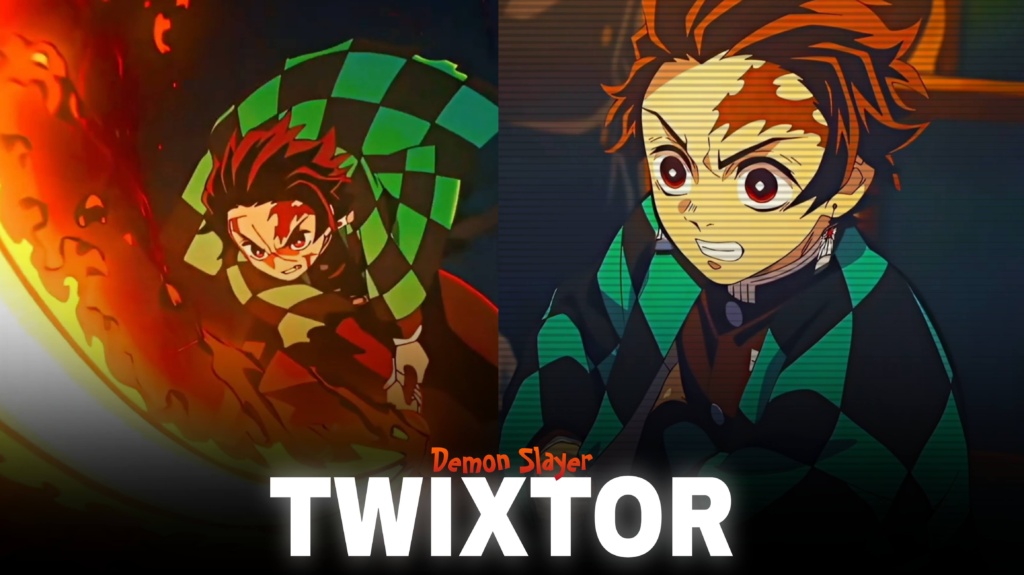
Tanjiro Twixtor is a popular search among Demon Slayer fans and anime editors who want to create intense character edits, smooth slow-motion sequences, and cinematic videos featuring Tanjiro Kamado. From his early Water Breathing techniques to the fiery movements of Hinokami Kagura, Tanjiro offers plenty of memorable moments for creative anime editing.
What makes his footage exciting is the combination of sword movements, determined expressions, powerful attacks, and emotional scenes. These elements work especially well with velocity edits, beat synchronization, dramatic transitions, and carefully timed slow motion.
Whether you’re preparing an Instagram Reel, TikTok video, or YouTube Short, choosing the right scene can make your edit more memorable. Instead of filling every second with effects, focus on the movement and emotion that make Tanjiro’s character stand out.
What Makes Tanjiro Such a Great Character for Edits?
Tanjiro’s fighting style gives editors several different visual moods to explore. Water Breathing techniques create opportunities for fluid transitions, while Hinokami Kagura offers intense action and striking movement. His determined expressions also work well in emotional edits that focus on his journey as a Demon Slayer.
The Infinity Castle storyline introduces another dramatic setting, with Tanjiro and the Demon Slayer Corps plunged into Muzan’s shifting fortress. This creates opportunities for darker colour grading, suspenseful openings, and transitions into fast-paced battles.
For more footage inspiration, explore the site’s Anime Twixtor collection, which is relevant to creators working on different anime characters and editing styles.
Best Tanjiro Twixtor Clips for Different Editing Styles
The right footage depends on the mood you want to create. Here are several approaches worth trying.
1. Hinokami Kagura action edits
Fire-themed attacks can provide strong visual moments for beat drops and dramatic transitions. Match the main sword movement to the music rather than slowing down the entire sequence.
2. Water Breathing transitions
Water Breathing scenes can suit smoother edits with flowing transitions and controlled speed changes. Keep the timing consistent so the movement feels natural instead of choppy.
3. Emotional character edits
Tanjiro’s emotional reactions and determined expressions are useful for slower edits. Pair close-up shots with atmospheric music, subtle zooms, and restrained colour grading.
4. Infinity Castle battle edits
For a darker atmosphere, combine suitable Tanjiro fight footage with quick cuts, shadow-focused grading, and short slow-motion moments. You can also browse the site’s Anime Clips collection for additional anime editing inspiration.
How to Create Smooth Tanjiro Twixtor Edits
A polished Tanjiro Twixtor video depends on source quality, motion, and timing. Frame interpolation can make movement appear smoother, but fast sword attacks and detailed animation may produce artifacts when slowed excessively.
Use these practical techniques to improve your result:
- Choose clear footage: Start with sharp source material and avoid heavily compressed clips.
- Sync effects with the soundtrack: Place speed changes around important beats or changes in the music.
- Use moderate slow motion: Extreme slowing can distort fast movements and make the animation look unnatural.
- Balance colours: Keep brightness, contrast, and saturation consistent across your shots.
- Avoid excessive effects: Too much shake, glow, or sharpening can hide important animation details.
- Check the export: Watch the finished video for flickering, visual distortion, and compression issues.
If you export in 4K, remember that the output resolution alone does not guarantee native 4K source quality. Always inspect the original footage before editing.
Finding Tanjiro Twixtor Clips for Your Next Edit
When searching for Tanjiro Twixtor footage, look for scenes with clear character movement and enough visual detail to support your chosen effects. Short clips focused on a particular attack or expression can be easier to edit than lengthy sequences with several camera changes.
For vertical videos, frame Tanjiro so his face, sword, and important movements remain visible. For widescreen projects, preserve more of the original composition to maintain the cinematic atmosphere.
Before downloading or publishing footage, check its resolution, watermark status, and usage permissions. Copyrighted anime footage may have restrictions on redistribution or monetization, so review the applicable terms for your intended use.
The best edits combine strong source material with thoughtful pacing. With controlled speed ramps, clean transitions, and music that complements the action, you can create a Tanjiro video that feels energetic without becoming visually overwhelming.
FAQs
1. Who is Tanjiro Kamado in Demon Slayer?
Tanjiro Kamado is the main protagonist of Demon Slayer: Kimetsu no Yaiba. He joins the Demon Slayer Corps to protect others and find a way to turn his sister Nezuko back into a human.
2. What types of edits can I make with Tanjiro Twixtor clips?
You can create slow-motion edits, velocity edits, fight montages, emotional character videos, and cinematic anime transitions featuring Tanjiro.
3. How can I make Tanjiro edits smoother?
Use clear footage, moderate slow-motion settings, carefully timed speed ramps, and consistent colour grading. Check for interpolation artifacts around fast sword movements before exporting.
For more anime clips and editing inspiration, visit the YouTube Channel.
About The Author