Black Clover Season 2 Twixtor | Anime Twixtor
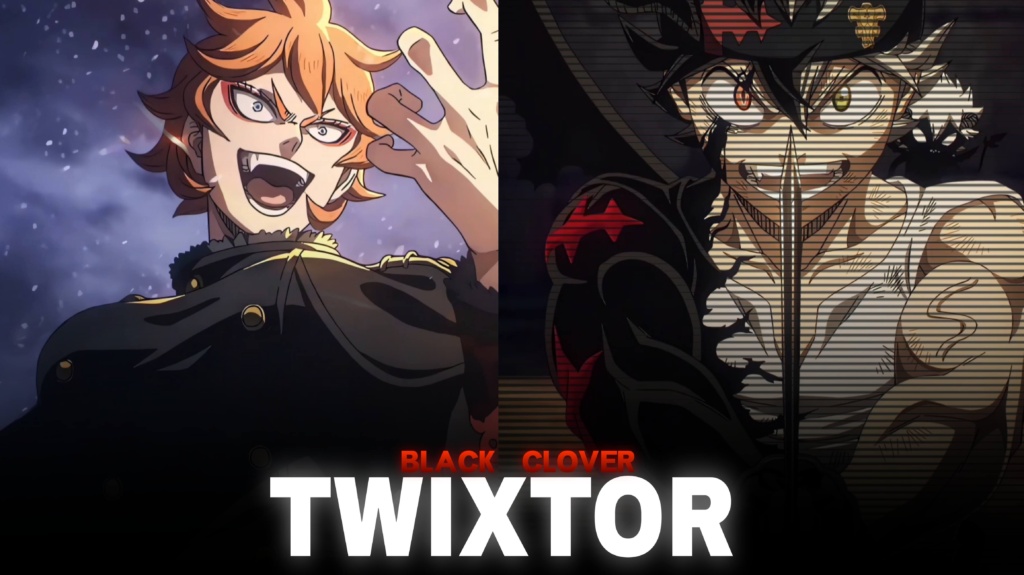
Black Clover Season 2 Twixtor | Anime Twixtor
♦DOWNLOAD ANIME & MOVIES SCENEPACK FOR FREE♦
Download Anime Twixtor Clips for Free : https://moviestwixtor.com/anime-twixtor/
Download Anime Clips Raw For Free :https://moviestwixtor.com/anime-clips-raw/
Black Clover Season 2 Twixtor: Epic Magic Battles and Anime Edits
Black Clover Season 2 Twixtor is a great search for anime editors looking for powerful magic battles, exciting character moments, and smooth footage for creative videos. With Asta’s Anti-Magic, Yuno’s wind-based abilities, and the teamwork of the Black Bulls, Black Clover offers plenty of visual material for dramatic edits and high-energy montages.
For creators, Black Clover Season 2 Twixtor clips can work with velocity effects, cinematic slow motion, beat-synced transitions, and dramatic colour grading. Whether you’re making a TikTok, Instagram Reel, or YouTube Short, the right combination of action and music can turn a collection of scenes into a memorable edit.
Why Black Clover Season 2 Is Exciting for Anime Editors
The appeal of Black Clover Season 2 Twixtor comes from the series’ mix of intense battles, rivalries, magical abilities, and character development. Asta’s determination contrasts with Yuno’s natural talent, while the Black Bulls bring their own personalities and fighting styles to the story.
These differences give editors several creative directions. A fast-paced montage can emphasize sword attacks and magical explosions, while a character-focused edit can build around expressions, training moments, and dramatic reveals. Using different pacing for each character also helps your video feel more original.
For additional footage inspiration from other anime series, explore the site’s Anime Twixtor collection.
Best Black Clover Season 2 Twixtor Ideas
Choose Black Clover Season 2 Twixtor clips according to the style you want to create. Different scenes can support a variety of editing approaches.
1. Asta and Anti-Magic edits
Asta’s sword movements and Anti-Magic abilities work well with fast cuts and dramatic speed ramps. Slow down a key attack briefly, then return to normal speed as the action reaches its peak.
2. Yuno character edits
Yuno’s composed personality and powerful magic make him suitable for clean, cinematic montages. Use controlled transitions and consistent colours to emphasize his movements without overwhelming the animation.
3. Black Bulls team montages
Combining different squad members can create an energetic edit with multiple fighting styles. Keep the shots short and synchronize scene changes with the soundtrack to maintain momentum.
4. Magic battle transitions
Magical attacks, character transformations, and dramatic reveals offer natural points for beat drops. Choose effects that complement the original visuals instead of adding unnecessary flashes to every shot.
You can also browse the site’s Anime Clips collection for more inspiration when planning a multi-character montage.
How to Make Smooth Black Clover Season 2 Twixtor Edits
To make Black Clover Season 2 Twixtor edits look polished, focus on source quality, timing, and careful use of effects. Frame interpolation can help smooth slow motion, but fast sword movements and complicated magical effects may produce ghosting or distorted edges if slowed too aggressively.
Try these techniques:
- Start with clear footage: Use sharp source material and avoid heavily compressed clips when possible.
- Synchronize cuts with music: Match attacks, transformations, and character reveals to important beats.
- Control speed ramps: Use brief slowdowns to emphasize key actions rather than slowing every scene.
- Keep colours consistent: Balance brightness, contrast, and saturation across different shots.
- Review your export: Check for flickering, distorted movement, and compression artifacts before uploading.
For Black Clover Season 2 Twixtor clips, test your effects on a short sequence before applying them to an entire edit. Exporting in 4K does not guarantee native 4K source detail, so inspect the original footage before cropping or enlarging it.
Finding Black Clover Season 2 Twixtor Clips
When searching for Black Clover Season 2 Twixtor footage, look for clear character movements, readable magical effects, and shots that match your intended editing style. Short clips focused on one attack or transformation are often easier to synchronize with music than lengthy scenes containing several camera changes.
For vertical edits, keep important characters and action inside the frame. Widescreen projects can preserve more of the original composition for a cinematic look.
Before downloading or publishing footage, check the source resolution, watermark status, and usage permissions. Publicly available anime footage is not automatically free to redistribute or monetize, so review the relevant copyright terms for your project.
The strongest Black Clover edits combine good source material with thoughtful pacing. Clean transitions, controlled slow motion, and music that complements the action can help your video stand out without excessive effects.
FAQs
1. What is Black Clover Season 2 Twixtor?
Black Clover Season 2 Twixtor refers to season-focused footage from Black Clover used for slow-motion effects, velocity edits, character montages, and cinematic anime videos.
2. Which characters work best for Black Clover Season 2 edits?
Asta, Yuno, and the Black Bulls are strong choices for character-focused videos, while scenes featuring magical attacks and team battles can suit energetic montages.
3. How can I make Black Clover edits smoother?
Use clear source footage, moderate slow motion, carefully timed speed ramps, and consistent colour grading. Check fast movements and magical effects for interpolation artifacts before exporting.
For more anime clips and editing inspiration, visit the YouTube Channel.
About The Author