Spider Man Brand New Day Scenepack
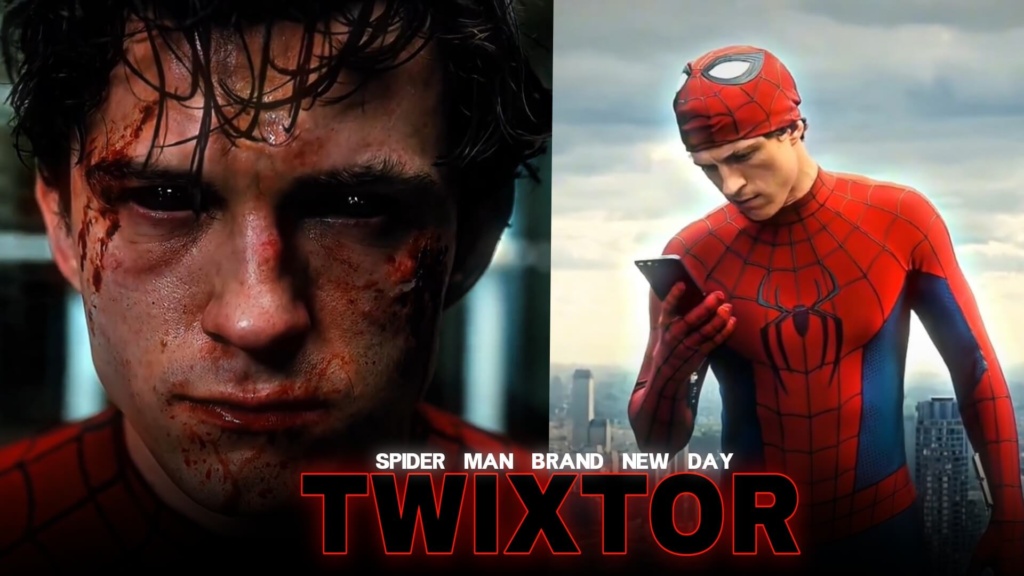
Spider Man Brand New Day Scenepack
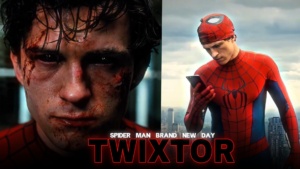
Spider Man Brand New Day Scenepack is a great starting point for editors who want to capture a more isolated, determined side of Peter Parker. With the world no longer remembering him, Peter is focused on protecting New York while facing unfamiliar dangers and changes in his life. This premise creates an interesting direction for cinematic edits, action montages, emotional transitions, and superhero fan videos.
Instead of relying only on explosive action, build your edit around the contrast between Peter’s everyday loneliness and his responsibility as Spider-Man. That emotional contrast can make a short montage feel like a complete story.
A New Chapter for Peter Parker
In Spider-Man: Brand New Day, Peter continues living with the consequences of the events in No Way Home. His old friends have moved forward without remembering him, but he continues protecting the city. Sony’s official movie page provides the film’s synopsis and character details.
A Spider Man Brand New Day Scenepack project can explore this premise through two visual styles: quiet moments that communicate isolation and energetic sequences that highlight Spider-Man’s responsibilities. Alternating between these moods gives your video more personality than using action shots from beginning to end.
Action Scenes That Deserve the Beat Drop
Spider-Man edits work particularly well when movement matches the rhythm of the soundtrack. Look for clear changes in body position, swinging movements, landings, and confrontations in the footage available to you.
For a Spider Man Brand New Day Scenepack edit, try these approaches:
- Street-level action: Use quick cuts and controlled camera shake to emphasize movement.
- Cinematic superhero montage: Combine wider shots with close-ups and gradual zooms.
- Dark Peter Parker aesthetic: Use cooler colors, restrained effects, and slower pacing.
- High-energy fan edit: Synchronize transitions with the strongest beats in your music.
Avoid using the same transition repeatedly. A few well-timed cuts can make an action sequence feel sharper and more natural.
Tell a Story Through Peter’s Isolation
The film’s premise also makes emotional editing an appealing option. Peter is protecting people who no longer remember their connection to him, giving creators a way to explore sacrifice, responsibility, and loneliness.
Use a Spider Man Brand New Day Scenepack to arrange scenes into a simple progression: begin with a quieter moment, build toward the pressure of being Spider-Man, and finish with a memorable action shot. Let the soundtrack grow alongside the visuals instead of adding effects to every frame.
For a broader Marvel project, you can also explore the Movies Twixtor collection and the Movies Clips collection for related editing material.
How to Edit Your Footage Smoothly
When working with a Spider Man Brand New Day Scenepack, first check the source footage’s resolution, frame rate, and overall clarity. Import your selected clips into After Effects, Premiere Pro, DaVinci Resolve, or another compatible editor, then trim each shot to the moment that best supports your idea.
For slow motion, begin with a moderate speed change. Fast movement and blurry frames can cause distortion when effects are pushed too far. Preview the result, adjust the timing, and use color correction to make separate shots feel consistent. Keep the Spider-Man suit’s details visible instead of crushing the shadows or oversharpening the image.
Before downloading a Spider Man Brand New Day Scenepack, confirm which files are actually available and check their format, resolution, and watermark status. Do not assume all files have identical specifications.
Whether you’re creating a short vertical edit or a longer cinematic montage, a Spider Man Brand New Day Scenepack can help you organize a video around Peter’s new chapter. Choose footage that supports one clear mood, keep transitions purposeful, and let the character’s story guide your editing decisions.
FAQs
1. What is a Spider-Man: Brand New Day scenepack used for?
A scenepack is a collection of footage intended for editing projects, such as superhero montages, fan edits, transitions, and cinematic videos.
2. Can I use these clips for 4K edits?
That depends on the files available. Check the actual resolution before downloading or beginning your project.
3. Which editing software can I use?
After Effects, Premiere Pro, and DaVinci Resolve are popular options for assembling clips, adjusting speed, adding effects, and color grading.
SUBSCRIBE TO YOUTUBE
About The Author