
Madison Beer Twixtor 4K Quality
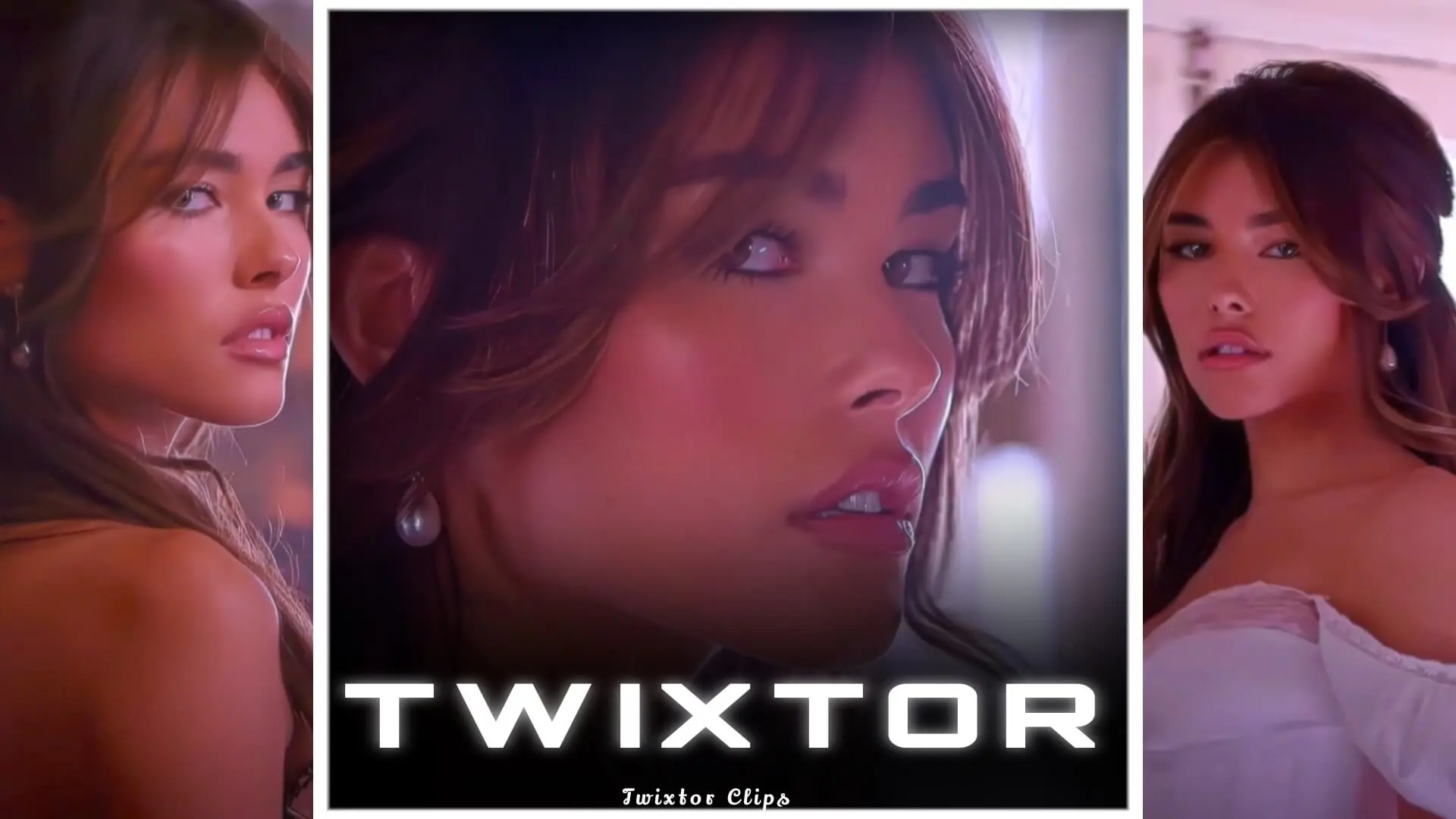
Madison Beer Twixtor 4K
♦MOVIES TWIXTOR CLIPS♦
Download Series Twixtor For Edits :https://moviestwixtor.com/movies-clips/
Download Anime Twixtor for Edits : https://moviestwixtor.com/anime-twixtor/
Download Anime Clips RAW For Edits :https://moviestwixtor.com/anime-clips-raw/
Subscribe to Youtube Channel For More Clips & Twixtors : YOUTUBE
Request Your Fav Anime/Movie Twixtor & Clips : REQUEST TWIXTOR
Madison Beer Twixtor 4K
A Madison Beer Twixtor 4K edit represents one of the highest-quality formats used by video editors to create smooth, cinematic slow-motion visuals. Twixtor is a popular plugin widely used in professional editing software like Adobe After Effects and Premiere Pro, allowing editors to generate ultra-slow-motion footage without losing clarity. When combined with 4K resolution, Madison Beer clips become incredibly detailed, fluid, and visually striking—perfect for aesthetic edits and fan-made content.
Madison Beer’s visuals are especially suited for Twixtor editing because of her expressive movements, emotional depth, and high-production music videos. Songs like “Reckless,” “Selfish,” and “Good in Goodbye” feature clean shots, soft lighting, and slow camera movements, all of which are ideal for Twixtor processing. These characteristics help the software accurately interpolate frames, resulting in smoother slow-motion effects without glitches or warping.
A Madison Beer Twixtor 4K pack typically includes carefully selected clips that are optimized for editing. These clips are usually pre-cut, stabilized, and sometimes even pre-processed to remove motion blur. Since Twixtor works best with clean and sharp footage, high-quality 4K clips provide a significant advantage. The higher resolution ensures that even after zooming, cropping, or applying heavy effects, the final output remains crisp and professional.
Editors often use Madison Beer Twixtor clips to create aesthetic edits for platforms like TikTok, Instagram Reels, and YouTube Shorts. These edits usually involve syncing slow-motion visuals with music beats, adding glow effects, color grading, transitions, and overlays. The smooth motion created by Twixtor enhances the emotional impact of the edit, making it more engaging and visually appealing.
One of the key techniques in Twixtor editing is choosing the right clips. Not every video works well with Twixtor—fast cuts, shaky footage, or heavy motion blur can cause distortions. Madison Beer’s music videos, however, often include steady shots and controlled movements, which makes them ideal for this type of editing. Close-up shots of her face, hair movement, or subtle gestures are particularly effective when slowed down.
Another important factor is frame rate. Most Twixtor 4K clips are converted to higher frame rates like 60fps or even 120fps before applying the effect. This allows for smoother interpolation and better slow-motion results. Editors also use masking techniques to isolate the subject and prevent background distortion, especially in scenes with complex movement.
Color grading plays a huge role in enhancing Madison Beer Twixtor edits. Soft pink tones, cinematic blues, or warm golden hues are commonly used to match her aesthetic. Adding effects like glow, blur, and light leaks can further elevate the visual quality, giving the edit a dreamy and professional look.
For beginners, working with Madison Beer Twixtor 4K clips can be a great way to learn advanced editing techniques. While Twixtor itself requires some practice, starting with high-quality clips makes the process much easier. Many editors also use presets and project files to speed up their workflow and achieve consistent results.
However, it’s important to use optimized clips to avoid lag and rendering issues. 4K files are large and can be demanding on your system, so having a good GPU and sufficient RAM is recommended. Lower-end systems can still handle Twixtor edits by using proxies or working in reduced resolution during editing.
In conclusion, Madison Beer Twixtor 4K edits combine high-resolution visuals with advanced slow-motion techniques to create stunning, cinematic content. Whether you’re an aspiring editor or an experienced creator, these clips offer endless possibilities for creativity. With the right clips, proper settings, and a bit of artistic vision, you can turn simple footage into eye-catching edits that stand out on any platform.
About The Author