Naruto vs Sasuke Twixtor Clips (Part 2)
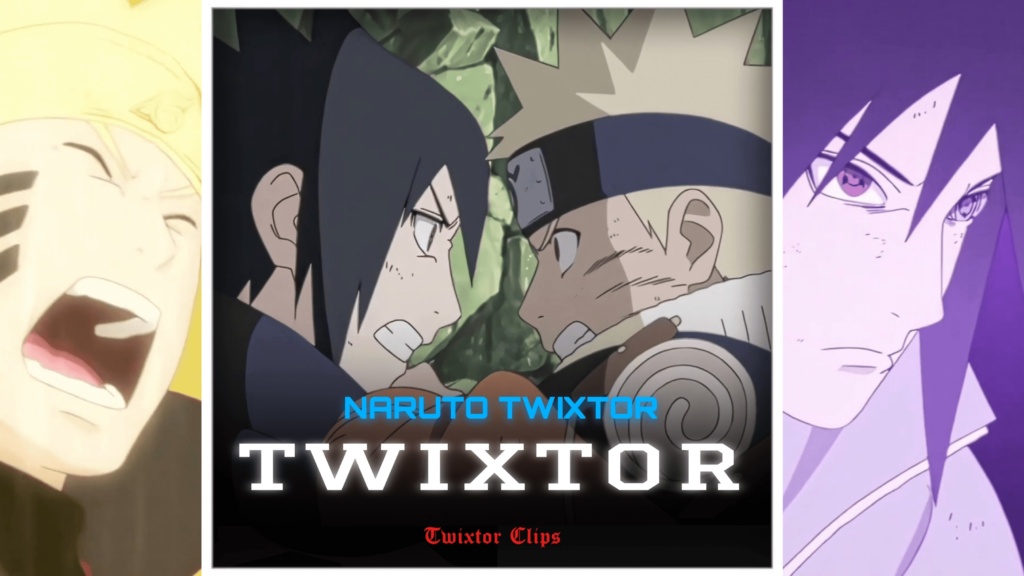
Naruto vs Sasuke Twixtor Clips (Part 2)
Naruto vs Sasuke Twixtor Clips: The Ultimate Final Valley Battle
Naruto vs Sasuke Twixtor Clips are ideal for editors who want intense hand-to-hand combat, powerful transformations, and emotional moments from Naruto Shippuden. Their rivalry grows from childhood competition into a clash of beliefs, making the Final Valley confrontation more than another fight. Rasengan, Chidori, Kurama’s chakra, and Susanoo create striking visuals for velocity edits, cinematic transitions, and slow-motion videos.
For creators, Naruto vs Sasuke Twixtor Clips can suit both fast-paced AMVs and dramatic character edits. Choose shots with clear movement and match speed changes to the music instead of adding effects to every frame.
Why the Final Valley Fight Works So Well for Edits
The final confrontation follows the battle with Kaguya. Sasuke reveals his plan for revolution, while Naruto refuses to abandon his friend. The official episode guide describes their clash as a battle of wills.
Naruto’s bright chakra cloak and Rasengan contrast with Sasuke’s purple Susanoo and Chidori, creating natural moments for beat drops and speed ramps.
For more character footage, explore the site’s Naruto Twixtor collection, featuring clips from different fighters across the series.
Best Scenes for Different Editing Styles
When selecting Naruto vs Sasuke Twixtor Clips, consider the mood and pacing you want. Naruto vs Sasuke Twixtor Clips offer different visual rhythms for each editing style.
1. Rasengan versus Chidori
Build anticipation with a close-up, then cut on impact. A short slowdown can emphasize the collision without making the sequence feel sluggish.
2. Kurama and Susanoo
The giant forms create a strong scale contrast. Alternate wider shots with close-ups, keeping the gold and purple effects distinct.
3. Hand-to-hand combat
Taijutsu moments suit quick velocity changes. Sync strikes to the rhythm instead of adding a transition after every hit.
4. The final exhausted moments
The quieter ending suits emotional edits. Use slower pacing, restrained zooms, and softer grading to focus on the bond between the rivals.
You can also explore Naruto vs Sasuke Twixtor Clips (Part 2) for another selection from their Final Valley battle. For a different iconic matchup, try the site’s Minato vs Obito Twixtor clips.
How to Make Smooth Twixtor Edits
Creating polished Naruto vs Sasuke Twixtor Clips edits depends on source quality, motion, and timing. Frame interpolation can smooth slow motion, but fast attacks and overlapping chakra effects may create warping or ghosting when slowed too much.
- Choose clear footage: Avoid heavily compressed source clips.
- Use selective speed ramps: Slow down a key attack, then restore normal speed to keep momentum.
- Sync with audio: Match major impacts and transformations to strong beats.
- Balance colours: Keep brightness and contrast consistent across shots.
- Check artifacts: Review faces, hands, hair, and energy effects for flickering or distorted edges.
Test settings on a short section first; a 4K export does not guarantee native 4K source detail.
Finding Naruto vs Sasuke Twixtor Clips for Your Next Edit
Choose shots with clear movement and framing. Clips focused on one attack are easier to synchronize than long sequences with frequent camera changes. For unprocessed footage before applying your own effects, browse the site’s Naruto raw clips category.
Keep both faces and the action visible in vertical edits; widescreen formats preserve more of the original composition. Before publishing, check resolution, watermark status, and usage permissions because public anime footage may still be copyrighted.
Naruto vs Sasuke Twixtor Clips work best when the rivalry carries the edit: use clear footage, controlled speed changes, and clean beat synchronization instead of excessive effects.
FAQs
1. What are Naruto vs Sasuke Twixtor Clips?
They are footage selections featuring Naruto Uzumaki and Sasuke Uchiha, used for slow motion, velocity effects, AMVs, and character edits.
2. Which scenes are best for edits?
The Rasengan–Chidori clash, Kurama and Susanoo sequences, hand-to-hand combat, and emotional Final Valley ending suit different editing styles.
3. How can I make the fight footage smoother?
Use clear source footage, moderate slow motion, careful frame interpolation, and speed ramps that follow the action. Check fast movements for ghosting before exporting.
For more anime clips and editing inspiration, visit the YouTube Channel.
About The Author