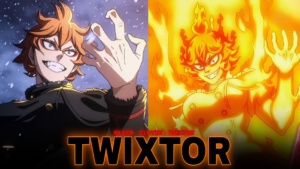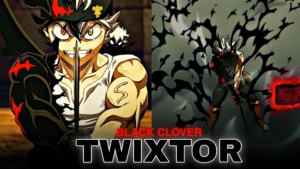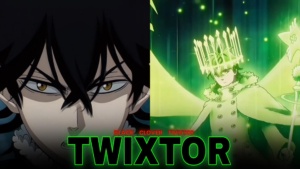
Yuno Twixtor Clips 4K | Clips For Editing
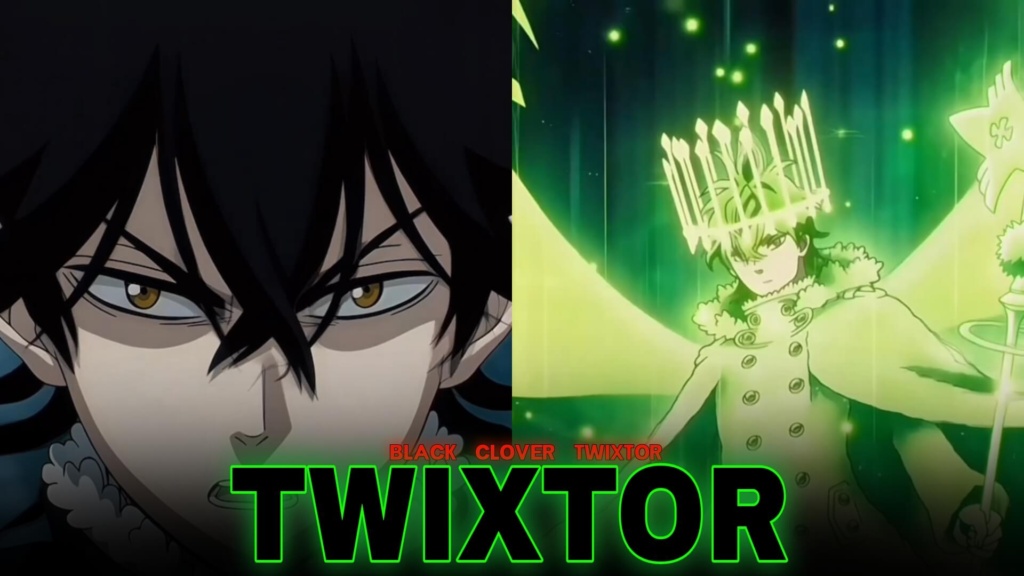
Yuno Twixtor Clips
Yuno Twixtor Clips are a great choice for anime editors who want clean action sequences, powerful transformations, and the impressive wind magic of Black Clover. As a talented mage and member of the Golden Dawn, Yuno combines a calm personality with an intense determination to become the Wizard King. His battles provide plenty of material for velocity edits, cinematic transitions, and high-energy anime montages.
Whether you’re creating a short AMV, a character edit, or a dramatic transformation video, Yuno’s fighting style gives you several ways to make your project stand out.
Why Yuno Is a Great Character for Anime Edits
Yuno’s magic creates a distinctive visual style. Wind-based attacks, swirling energy, and fast movements work particularly well with beat synchronization and speed changes. His composed expressions also provide a strong contrast to the intensity of his battles.
With Yuno Twixtor Clips, you can build an edit that starts with slower character shots before transitioning into fast combat sequences. A carefully timed transition can make an attack feel more impactful without overwhelming the original animation with unnecessary effects.
Green and blue color grading can complement his wind-based abilities, while subtle glow and motion blur can help emphasize fast-moving scenes. The best results usually come from matching the effects to the footage rather than applying the same settings to every shot.
Spirit Dive: Yuno’s Most Iconic Transformation
Spirit Dive is one of Yuno’s most recognizable power-ups. By combining his abilities with Sylph, the wind spirit, he gains a dramatic transformation that makes his action scenes especially suitable for edits. His later battles also showcase more advanced forms and increasingly powerful magic. These character details are documented on the official Black Clover character website.
For editors, Yuno Twixtor Clips featuring Spirit Dive can be useful for transformation edits, powerful beat drops, and transitions between calm scenes and explosive action. Try slowing down the moment before the transformation, then returning to normal speed when the music reaches its strongest beat.
You can also combine close-up shots with wider battle footage to give the edit a sense of scale. Keep transitions smooth so viewers can follow the movement and appreciate the animation.
How to Edit Yuno Clips Smoothly
To get the most from Yuno Twixtor Clips, begin by selecting footage that matches the rhythm and mood of your audio. Use gradual speed ramps for movement and reserve the slowest sections for important expressions, transformations, or attacks.
In After Effects, experiment with frame interpolation and motion blur to create smoother slow-motion sequences. Check fast-moving wind effects carefully because aggressive slowing can introduce ghosting or distorted edges when the source footage lacks enough frames.
For a polished finish, use consistent color grading, balanced sharpening, and transitions that follow the music. Avoid excessive glow or camera shake, which can hide details in the original animation.
If you’re looking for more editing material, explore the Anime Twixtor collection and the Anime Clips category. These collections can help you find footage to pair with Yuno or use in broader Black Clover projects.
Downloading and Choosing the Right Footage
Before using Yuno Twixtor Clips in a project, check the individual post for available download options. Inspect the actual file to confirm its resolution, frame rate, and watermark status rather than assuming every download has the same specifications.
For vertical edits, frame the character clearly so important details remain visible on mobile screens. Keep an original copy of your footage and export your finished project using settings suitable for your target platform.
Final Thoughts
Yuno’s wind magic, Spirit Dive transformation, and determined rivalry with Asta make him a compelling character for anime edits. With thoughtful timing, clean speed ramps, and effects that complement the animation, you can turn his best moments into engaging videos. Explore the available Yuno footage, experiment with different editing styles, and create a result that reflects your own creative approach.
FAQs
1. What are Yuno Twixtor Clips used for?
They can be used for anime edits, AMVs, velocity edits, transformation videos, and character montages.
2. Which Yuno scenes work best for edits?
Spirit Dive transformations, wind magic attacks, dramatic close-ups, and intense battle moments are strong choices.
3. How can I make Yuno slow-motion edits smoother?
Use gradual speed ramps, test frame interpolation, and apply motion blur carefully. The quality of the original footage also affects the final result.
About The Author