♦MOVIES TWIXTOR CLIPS♦
Download Movies Twixtor for Edits : https://moviestwixtor.com/movies-twixtor/
Download Series Twixtor For Edits :https://moviestwixtor.com/movies-clips/
Download Anime Twixtor for Edits : https://animeworldtwixtor.com/
Subscribe to Youtube Channel For More Clips & Twixtors : YOUTUBE
Text Me on Instagram To Request Twixtor / Clips / Promotion : RDJ EDITS / ANIMEWORLD
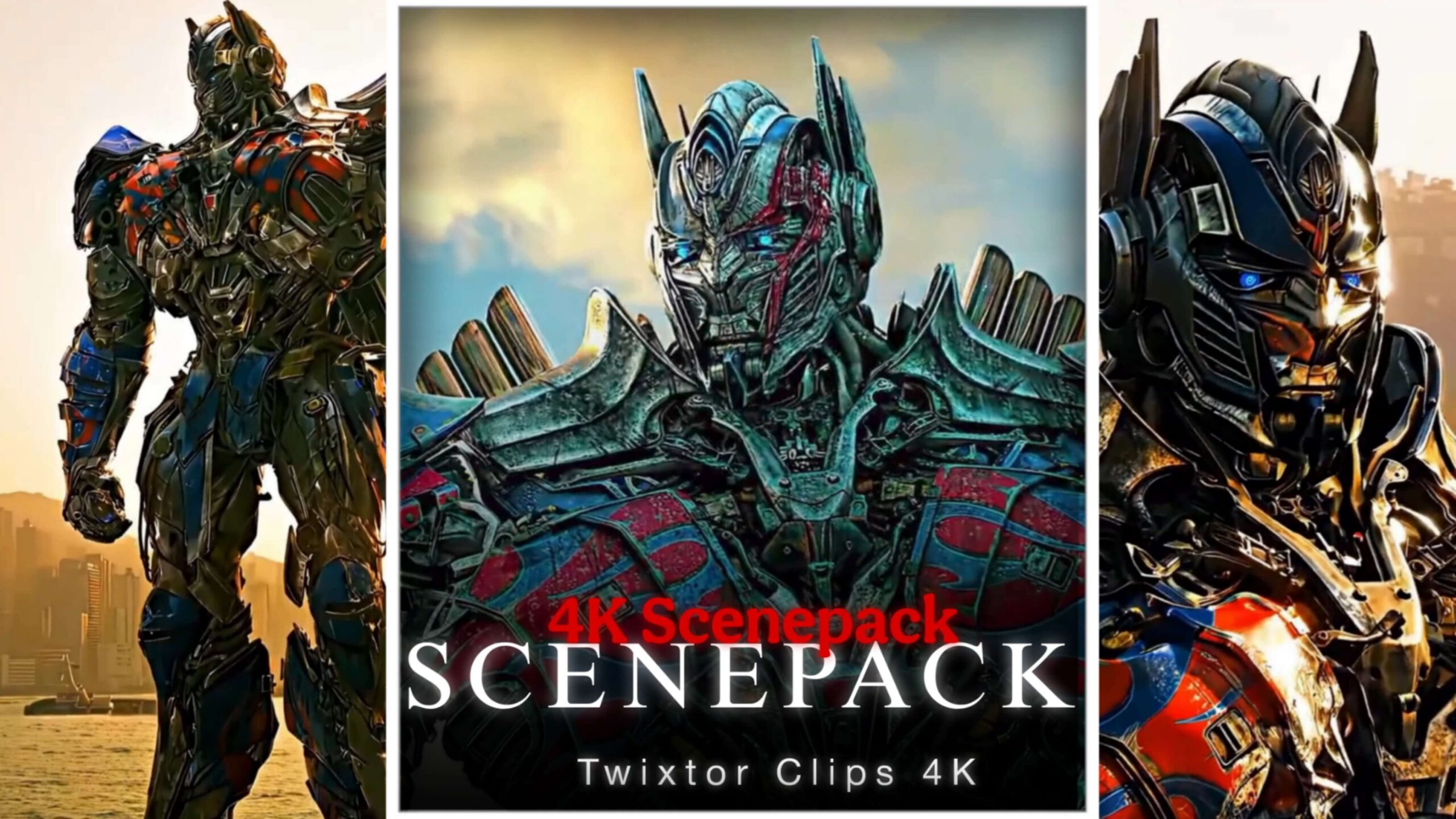
Optimus Prime Scenepack 4K Free Clips For Edits — Transformers
Optimus Prime Scenepack is a premium 4K clip collection designed for editors searching for free download footage with no watermark and smooth slow-motion quality. This pack includes iconic scenes from Autobot battles, legendary transformation sequences, and heroic leadership moments featuring Optimus Prime in MP4 format. Every clip is optimized for velocity edits, cinematic transitions, and character-focused fan reels. The footage features stunning visual effects, explosive action, and unforgettable speeches that make it perfect for TikTok edits, AMVs, Instagram Reels, YouTube Shorts, and cinematic movie projects.
Download Optimus Prime Scenepack Free
Format: MP4 (H.264)
Resolution: 4K (3840×2160) + 1080p Full HD
Speed: 25% Twixtor Processed
Watermark: None
Signup: None
Cost: Free
Use the download button below to instantly access the complete Optimus Prime clip collection.
About These Optimus Prime Scenepack Clips
This collection contains carefully selected scenes from the Transformers franchise that are ideal for cinematic editing and action-focused content creation.
▸ Optimus Prime transformation scenes — Iconic Autobot moments
▸ Autobots versus Decepticons battles — Epic combat sequences
▸ Forest battle sequence — Legendary action scene
▸ Optimus versus Megatron showdown — Classic rivalry moments
▸ Leadership and speech scenes — Inspirational character clips
▸ Final battle moments — Cinematic Transformers action
These clips were selected for their breathtaking visual effects, powerful action choreography, and memorable storytelling. Editors frequently use these scenes for velocity edits, transitions, action montages, and cinematic fan projects. The combination of explosive battles, dramatic visuals, and heroic moments creates excellent footage for slow-motion edits. All clips are pre-processed at 25% Twixtor speed in MP4 format.
About Optimus Prime from Transformers
Optimus Prime is the noble leader of the Autobots and one of the most iconic characters in the Transformers franchise. Known for his wisdom, courage, and unwavering dedication to protecting humanity, Optimus Prime has become a symbol of heroism for generations of fans. His powerful speeches and epic battle scenes make him one of the most popular characters for scenepacks and twixtor edits.
Browse our full Transformers collection →
How to Use These Clips in Your Edits
These clips work perfectly with Adobe Premiere Pro, DaVinci Resolve, CapCut, VN Editor, and After Effects. No Twixtor plugin needed — these clips are pre-processed for smooth slow-motion playback. Simply import the MP4 files, add transitions, color grading, motion blur, overlays, and music to create cinematic action edits. The files are optimized for both mobile and desktop editing workflows.
For a full guide, see our twixtor editing tutorial →
More Transformers Scenepacks
Explore related content including Bumblebee Scenepack, Megatron Scenepack, and Transformers One Scenepack for additional editing footage. You can also browse the Transformers category page for more sci-fi action content and visit the /movies-clips/ hub page to discover all available scenepack collections.
Frequently Asked Questions
Q1: Is the Optimus Prime scenepack free to download?
Yes, the complete Optimus Prime scenepack collection is available as a free download. No registration or subscription is required, and every clip is provided without any watermark.
Q2: What resolution is the Optimus Prime scenepack?
The collection includes both 4K (3840×2160) and 1080p Full HD versions. These high-quality formats are ideal for cinematic edits, social media content, and professional video projects.
Q3: Which editing software works with Optimus Prime scenepack clips?
Optimus Prime scenepack clips are compatible with Adobe Premiere Pro, DaVinci Resolve, CapCut, VN Editor, and Adobe After Effects. Since the files are already processed at 25% Twixtor speed, no additional plugins are required for smooth slow-motion editing.
Follow Us On Instagram & Request Twixtors : Instagram Handle
Subscribe to Youtube Channel For Updates : YOUTUBE