Max and Eleven Scenepack
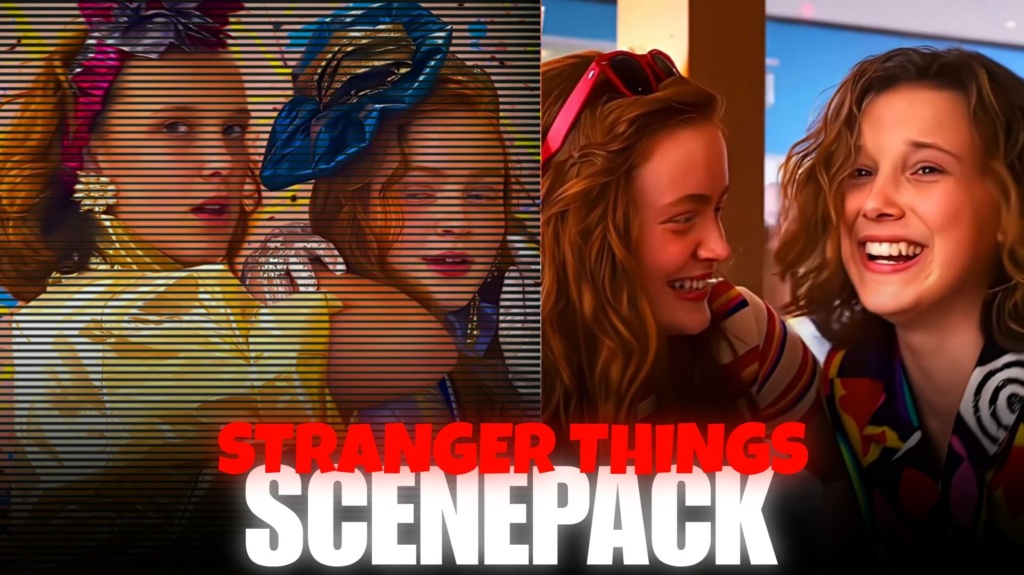
Max and Eleven Scenepack
Max and Eleven Scenepack 4K Free — Ultimate Epic Edits
Some Stranger Things edits work best when they capture a character’s power. Others hit harder when they show vulnerability, friendship, and everything the characters have survived. The Max and Eleven Scenepack gives editors a way to explore both moods in one duo-focused project. Max Mayfield brings a bold, emotionally complex energy, while Eleven adds supernatural intensity and a journey shaped by identity and courage. Whether you are making a friendship montage, an aesthetic edit, or a dramatic fan video, these two characters offer contrasting visuals that can make your edit feel more personal.
Download Max and Eleven Scenepack 4K
Clip Details
Format: MP4 (H.264) | Target resolution: 4K (3840 × 2160) or 1080p Full HD, depending on the available files | Watermark: Check the supplied clips | Signup: Check download requirements
Use the download option provided on the relevant post to access the available footage. Confirm the actual resolution and included scenes before editing, as file specifications may vary. If you want to build a longer character montage, you can also explore the Max Mayfield Season 5 scenepack and the Eleven Season 5 clip collection.
Two Characters, Two Very Different Editing Moods
The appeal of a Max and Eleven edit lies in the contrast. Max’s storyline lends itself to reflective cuts, expressive close-ups, and music-led storytelling. Eleven’s scenes can bring a more intense rhythm, especially when the footage focuses on her abilities or moments of determination.
Try these creative approaches with the scenes available in your pack:
- Friendship edit: Place character close-ups side by side and use a shared color grade to make separate scenes feel connected.
- Emotional montage: Let Max’s quieter expressions lead into Eleven’s reaction shots, building a story without relying on dialogue.
- Power versus vulnerability: Alternate intense Eleven footage with softer Max moments to create a noticeable shift in mood.
- Beat-sync transition: Cut between the characters on a musical beat, using matching camera movement or similar framing.
- Dark cinematic aesthetic: Use controlled contrast, subtle grain, and cooler shadows for a mysterious Hawkins atmosphere.
These are editing concepts rather than a guarantee that every scene appears in the download. Choose footage according to the actual contents of the pack.
For a relationship-focused edit, the Lumax Season 5 scenepack can provide another perspective on the friendships and relationships that shape the series.
How to Make a Max and Eleven Duo Edit Stand Out
Avoid applying identical effects to every shot. Let the footage determine the pacing: slower cuts can emphasize emotion, while sharper transitions work better for action. Match the color tones between scenes recorded in different settings, and reserve stronger effects for the moments that deserve attention. If the clips are already slowed down, check their playback speed before applying additional slow motion.
How to Use the Clips in Your Editing Software
Import compatible MP4 files into Adobe Premiere Pro, DaVinci Resolve, CapCut, VN Editor, or After Effects. Arrange the scenes around your soundtrack, adjust brightness and color consistently, and use motion blur only when it improves the movement. If a clip has already been processed for slow motion, you generally do not need another Twixtor pass. Export a short test first to check sharpness, frame pacing, and audio synchronization.
Why Max and Eleven Work Well Together
Max and Eleven have different personalities and experiences, which makes their contrast useful for storytelling. One edit can highlight friendship and emotional resilience; another can focus on supernatural action and determination. Rather than treating the scenepack as a collection of random shots, choose a clear theme and arrange the footage to create a beginning, a build-up, and a memorable ending. That simple approach can make a fan edit feel more deliberate.
For additional footage from Hawkins, browse the Stranger Things series and scenepack collection.
Frequently Asked Questions
1. What is included in the Max and Eleven Scenepack?
A duo scenepack is intended to provide character footage for editing Max and Eleven videos. Check the specific download page to confirm which scenes, file formats, and resolutions are actually included.
2. Can I use these clips for friendship and aesthetic edits?
Yes. If the pack contains suitable footage of both characters, you can combine close-ups, emotional moments, and matching transitions to create friendship edits, aesthetic videos, or cinematic compilations.
3. Which software can I use to edit Max and Eleven clips?
Compatible video files can be edited in Adobe Premiere Pro, DaVinci Resolve, CapCut, VN Editor, and After Effects. Your workflow will depend on the source resolution, frame rate, and whether the footage has already been slowed down.
SUBSCRIBE TO YOUTUBE
About The Author