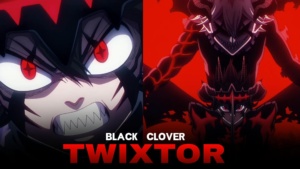
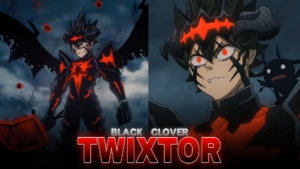
Asta Devil Union Twixtor Clips 4K
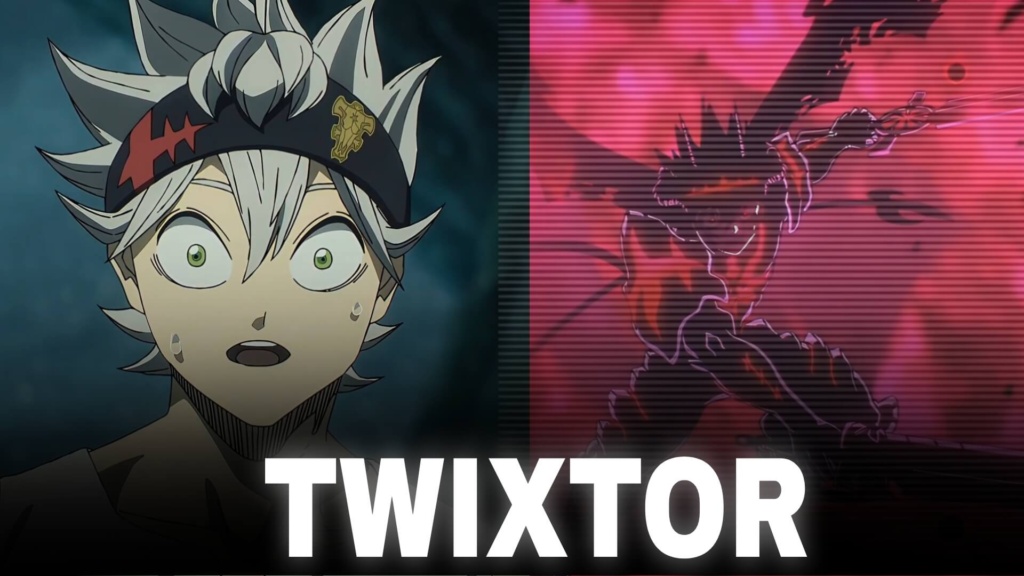
Asta Devil Union Twixtor Clips 4K
Asta Devil Union Twixtor Clips: Ultimate Black Clover Action
Asta Devil Union Twixtor Clips are perfect for Black Clover fans and anime editors who want powerful transformation scenes, intense sword battles, and dramatic slow-motion footage. Asta’s Devil Union with Liebe takes his Anti-Magic abilities to another level, giving him a distinctive demonic appearance with powerful visual details that stand out in anime edits.
The transformation combines dark energy, devil-like features, and Asta’s fearless fighting style. These moments work especially well with velocity effects, cinematic transitions, beat drops, and dramatic colour grading. Whether you’re creating a TikTok, Instagram Reel, or YouTube Short, this form offers plenty of material for high-impact editing.
Why Asta’s Devil Union Form Stands Out
Asta’s journey is built around determination. In a world where nearly everyone possesses magic, he has none of his own. His connection with Liebe gives him access to Anti-Magic, allowing him to challenge opponents with abilities that would normally seem impossible to overcome.
The Devil Union form is particularly interesting because it visually represents the partnership between Asta and Liebe. The dark transformation, horns, markings, and powerful sword movements create a different atmosphere from Asta’s earlier fighting scenes.
For editors, Asta Devil Union Twixtor Clips provide opportunities to combine transformation reveals with fast action. Start with a close-up, build anticipation with a short slowdown, and introduce the full transformation when the soundtrack reaches its strongest moment.
For more footage from different anime series, explore the site’s Anime Twixtor collection.
Best Asta Devil Union Twixtor Clips for Anime Edits
Different scenes can create different editing styles. Here are some ideas for making the most of this powerful transformation.
1. Devil Union transformation edits
Use the transformation reveal as the main highlight. A short buildup followed by a sharp transition can make the change feel more dramatic. Keep the visual effects controlled so Asta’s design remains visible.
2. Anti-Magic sword battle edits
Asta’s sword attacks provide natural points for speed ramps and beat synchronization. Alternate between fast movements and brief slow-motion sections to emphasize important strikes.
3. Dark anime aesthetic edits
The black and red visual elements of the transformation suit darker colour grading. Experiment with deeper shadows, controlled contrast, and subtle glow effects without hiding the original animation details.
4. Liebe and Asta edits
Build a character montage around their partnership. Combining suitable close-ups with transformation footage can give the video a stronger story rather than making it only a collection of fight scenes.
You can also browse the site’s Anime Clips collection for inspiration when creating multi-character montages.
How to Make Smooth Asta Devil Union Twixtor Clips
A polished Asta Devil Union Twixtor Clips edit depends on clear source footage, accurate timing, and carefully applied effects. Frame interpolation can make slow motion smoother, but fast sword movements and detailed transformation effects may produce ghosting or distortion when slowed excessively.
Try these techniques for better results:
- Choose sharp footage: Start with clear source material and avoid heavily compressed clips.
- Synchronize attacks with music: Match sword strikes and transformation moments to strong beats.
- Use controlled slow motion: Moderate speed changes often look more natural than extreme slowing.
- Balance dark colours: Preserve the black and red details without making the image too dark.
- Apply motion blur carefully: Excessive blur can hide important sword movements.
- Check the final export: Look for flickering, distorted edges, and compression artifacts before uploading.
For the best results, test your effects on a short sequence before applying them to the entire video. Exporting in 4K does not guarantee native 4K source detail, so always inspect the original footage quality.
Finding Asta Devil Union Twixtor Clips for Your Next Project
When searching for Asta Devil Union Twixtor Clips, look for scenes with clear transformation details, visible sword movements, and enough visual information to support your preferred editing style. Short clips focused on one attack or transformation moment are often easier to synchronize with music than long sequences containing several camera changes.
For vertical edits, keep Asta’s face, horns, and sword within the frame. Widescreen projects can preserve more of the original composition and create a cinematic appearance.
Before downloading or publishing footage, check the source resolution, watermark status, and usage permissions. Publicly available anime footage is not automatically free to redistribute or monetize, so review the relevant copyright terms for your project.
The strongest Asta Devil Union Twixtor Clips edits combine powerful source material with thoughtful pacing. Let the transformation and Anti-Magic action carry the video, while clean transitions and well-timed effects make every important moment stand out.
FAQs
1. What is Asta Devil Union in Black Clover?
Devil Union is Asta’s transformation through his partnership with Liebe, allowing him to draw on the devil’s Anti-Magic power during battle.
2. Which scenes work best for Asta Devil Union edits?
Transformation reveals, Anti-Magic sword attacks, dramatic battle moments, and scenes featuring Asta and Liebe are excellent choices for character edits.
3. How can I make Asta Devil Union edits smoother?
Use clear source footage, moderate slow motion, carefully timed speed ramps, and consistent colour grading. Check fast sword movements for interpolation artifacts before exporting.
For more anime clips and editing inspiration, visit the YouTube Channel.
About The Author