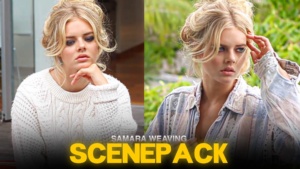
Samara Weaving Twixtor clips 4K
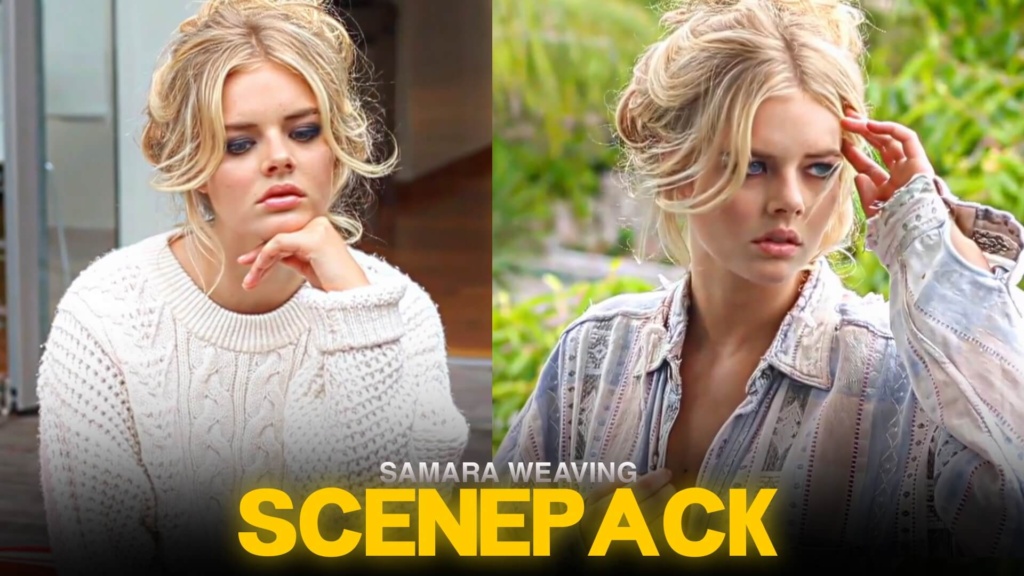
Samara Weaving Twixtor clips
LINK
Samara Weaving Twixtor clips are a great choice for editors who want expressive close-ups, stylish celebrity moments, and memorable scenes from movies and television. Known for her roles in Ready or Not, The Babysitter, and Scream VI, Samara Weaving has a screen presence that works well in cinematic edits, aesthetic montages, and character-focused videos.
Whether you’re creating a dramatic movie edit or a clean celebrity montage, her expressive acting and varied on-screen looks give you plenty of creative directions to explore.
Why Samara Weaving Is Popular for Edits
One reason Samara Weaving Twixtor footage works well is the range of moods she brings to her performances. She can move from calm, composed expressions to intense reactions in a moment, giving editors opportunities to build contrast into their videos.
For a cinematic edit, combine close-up shots with wider scenes and use transitions that follow the movement on screen. For a softer aesthetic, choose slower moments, gentle color grading, and music that suits the atmosphere. A strong edit doesn’t need dozens of effects; well-timed footage can make a greater impact.
Ready or Not: A Standout Character Look
Samara Weaving’s role as Grace in Ready or Not is particularly recognizable among fans. The film combines dark comedy, suspense, and horror, creating a distinctive visual style for character edits.
When working with Samara Weaving Twixtor clips from this movie, look for expressive reactions, tense moments, and scenes where the character’s appearance or mood changes. These shots can work well with dramatic sound design, sudden beat drops, and carefully timed speed ramps.
A darker color grade can complement the film’s suspenseful atmosphere, while controlled contrast helps preserve detail in shadows. Keep the effects consistent so the final edit feels intentional rather than overloaded.
Editing Ideas for Smooth Celebrity Twixtor
You can use Samara Weaving Twixtor footage in several styles:
- Cinematic edits: Combine close-ups and wider shots with smooth transitions.
- Velocity edits: Use gradual speed ramps to emphasize movement and expressions.
- Aesthetic montages: Pair selected scenes with softer grading and music that matches the mood.
- Character edits: Build a sequence around one role, showing different emotions or key moments.
In After Effects, experiment with frame interpolation when creating slow motion. Review hair movement, facial details, and fast transitions for ghosting or distortion. The smoothness of the final result depends on the original footage, so avoid slowing every shot by the same amount.
Creating a Polished Final Video
Start by selecting a soundtrack and choosing footage that fits its rhythm. Place your strongest visual moment near a beat change, then use quieter sections to establish the mood before building toward the next transition.
For Samara Weaving Twixtor edits, natural skin tones and balanced contrast usually look better than excessive sharpening or glow. If you’re making a vertical video, keep the subject visible and avoid cropping important facial expressions.
Before exporting, check that the motion looks smooth and that compression hasn’t introduced unwanted artifacts. Keep a copy of the original footage so you can adjust your composition without losing quality.
Finding Clips for Your Next Edit
If you’re searching for Samara Weaving Twixtor clips, check the available post for download options and inspect the actual files before editing. Confirm resolution, frame rate, and watermark status rather than assuming every clip has identical specifications.
You can also explore the Movies Clips collection for footage from other films, or visit the Anime Twixtor collection if you want to try a different editing style.
Remember to check the relevant copyright and platform rules before publishing edits made from movie or celebrity footage.
Final Thoughts
Samara Weaving’s expressive performances and memorable roles make her an interesting subject for cinematic and celebrity edits. From the suspenseful atmosphere of Ready or Not to stylish appearance-based montages, her footage can suit a wide range of creative approaches. Focus on timing, clean transitions, and a consistent visual style to make your edit stand out.
FAQs
1. Which Samara Weaving role is popular for edits?
Grace in Ready or Not is a recognizable choice, while her roles in The Babysitter and Scream VI offer other visual styles.
2. What editing effects work well with Samara Weaving clips?
Try speed ramps, subtle motion blur, smooth transitions, and balanced color grading.
3. How can I check if a Samara Weaving clip is 4K?
Check the downloaded file’s properties and inspect the footage. Verify its actual resolution and watermark status before using it.
SUBSCRIBE TO YOUTUBE
About The Author